
Sandbox organizations
A sandbox organization is a testing and demo environment included with your billing account at no charge, kept separate from your production spaces and never billed.
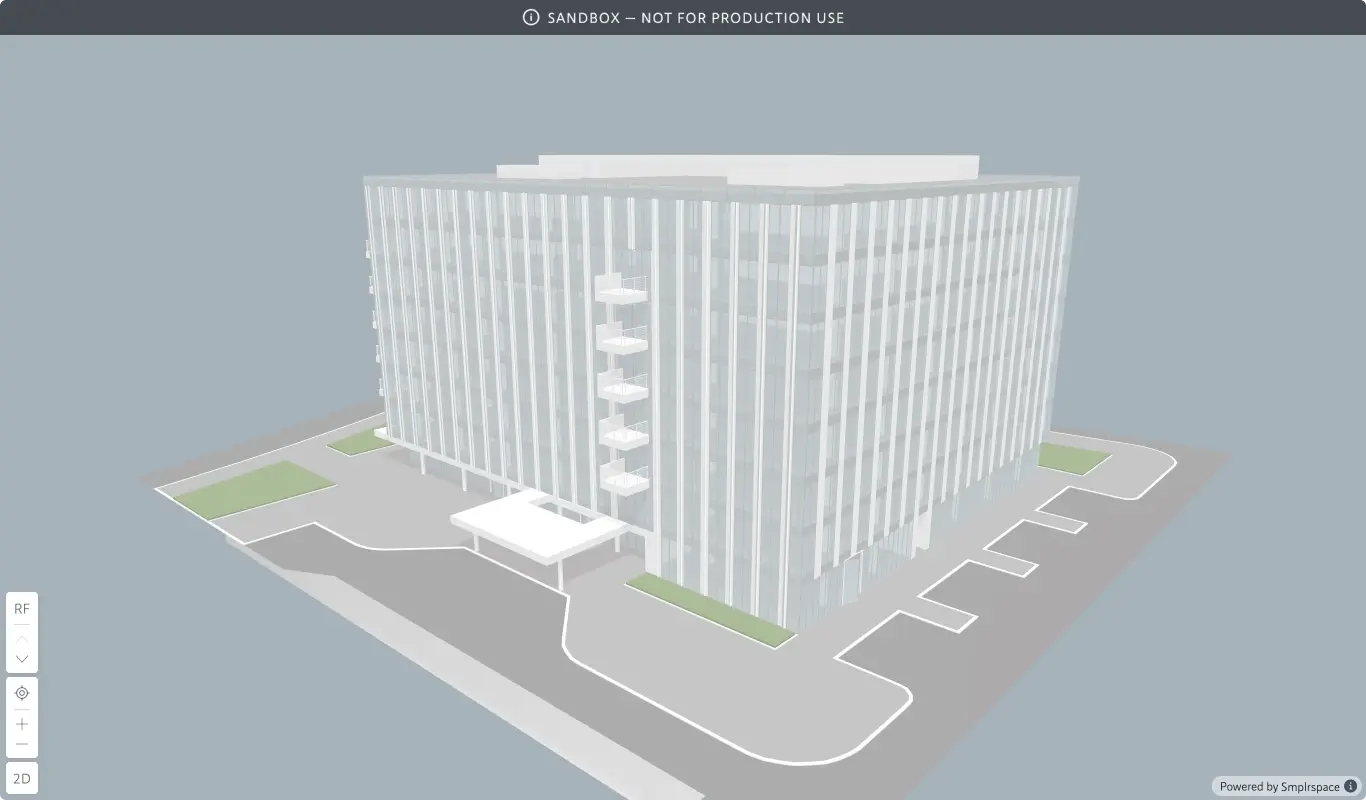
A sandbox organization is a dedicated environment for testing, demos, and experiments, included with your billing account at no charge. Spaces in a sandbox work like spaces anywhere else, but they're never billed and their viewers display a persistent banner marking them as not for production use.
What a sandbox is for
Use the sandbox to try integrations, build demos, and experiment freely. Nothing you do in it counts toward your billing, so it's a place to break things safely.
How it works
Every billing account can include one sandbox organization.
- It's created fresh as its own organization and appears in your organization switcher.
- It carries a "No charge" tag on billing surfaces: sandbox spaces are not billed.
- Its spaces show in your usage analytics like any others, but their views are never billed.
- Spaces inside display a banner in the viewer marking them as not for production use, so a demo can never be mistaken for a live deployment.
Because the sandbox is a feature of a billing account, it becomes available once your billing account is set up.
How to create a sandbox
When you create a billing account, the setup's second step offers an "Include sandbox?" toggle. You can also add it later from the Billing details tab of your billing account, where the same toggle creates the sandbox immediately.
Disabling a sandbox
You can disable the sandbox anytime from the same toggle on the Billing details tab. Disabling archives the spaces inside it, so make sure nothing in the sandbox is still needed before turning it off.